
BLOG
Doodflix: A Smarter, Seamless Streaming Experience for Modern Viewers


In an age where streaming has become synonymous with entertainment, audiences are constantly searching for platforms that deliver great content, intuitive navigation, and accessibility without barriers. The name Doodflix has begun circulating online as a fresh option that promises such a streamlined experience — but what does it really offer? Let’s unpack how Doodflix is positioned, what viewers can expect, and the reality behind its streaming model in 2026.
Understanding Doodflix: What It Is
At first glance, Doodflix seems like another contender in the crowded streaming space — delivering movies, TV shows, and video content in a central hub with an easy‑to‑use interface. Some sources depict it as a dynamic platform that blends a wide range of genres with user‑centric features designed for modern audiences.
However, it’s important to note that Doodflix is not a traditional licensed streaming service like Netflix, Disney+, or Amazon Prime Video. The name is often applied to a collection of websites and apps that aggregate content from other sources rather than hosting it themselves.
How Doodflix Works Behind the Scenes
Rather than owning or licensing its own library, many Doodflix‑branded sites and apps rely on third‑party video hosting services such as DoodStream and similar platforms. Users upload videos to these hosts, which generate embeddable links — and Doodflix‑style sites then embed them into their players.
From a user’s perspective, this can appear like a seamless viewing experience:
- You search for a title
- Click play
- The video loads in a simple player
This minimal‑friction experience — no sign‑ups, no subscription fees, and fast access to content — is a big part of why the platform garners attention.
The Streaming Experience: Pros & Cons
✔ Perceived Positives
Many users drawn to Doodflix appreciate:
- Free access to movies and shows without paying regular subscription fees.
- Simple, direct interface that loads video content quickly.
- No registration required, which speeds up access and removes friction.
For budget‑conscious viewers, this kind of immediacy and openness is undeniably appealing.
✖ Critical Drawbacks and Risks
But beneath the surface, several important caveats impact the user experience:
1. Legality and Licensing
Unlike official streaming services that secure content rights, Doodflix‑style sites typically do not have legal agreements with rights holders. This means much of the content users stream comes from embedded links or uploads without proper authorization.
This legal uncertainty can put viewers at risk of copyright violations depending on local laws.
2. Stability & Reliability Issues
Unlike platforms that host content on dedicated servers, the Doodflix model depends on third‑party hosts. If links are removed, domains change, or hosting is interrupted, the streaming experience can quickly break, leaving users with broken links or removed videos.
3. Security and Ads
Many Doodflix‑type sites earn revenue through aggressive ads, pop‑ups, or redirects — which can compromise user privacy or even expose devices to malware and phishing attempts if not accessed carefully.
Even if the UI looks clean initially, ads and security risks are part of the experience for many users.
What Users Actually Experience
While the idea of frictionless, free streaming seems ideal, real‑world experiences shared online show that:
- Videos sometimes buffer or fail to play smoothly, especially on high‑traffic mirrors.
- Frequent domain changes make finding a working Doodflix site unpredictable.
- Security concerns like pop‑ups and redirects are common on many mirrors.
In contrast to licensed platforms — which generally offer stable video delivery, legal peace of mind, and consistent features — the workflow here is much more volatile.
Is Doodflix Really “Smarter” and “Seamless”?
The notion that Doodflix is a smarter or more seamless streaming experience hinges largely on one criterion: fast, free access without sign‑ups. On that front, it does deliver simplicity.
However, true seamlessness in streaming also involves:
- Stable content libraries
- Legal clarity
- Secure data and privacy
- High‑quality playback
- Cross‑device support
- Reliable customer support
Most unofficial Doodflix platforms don’t offer these fundamentals, meaning the experience is far from complete when compared to mainstream legal services.
Safer Alternatives to Consider
If affordability, accessibility, and user‑friendly content discovery are what you want, legal alternatives exist today that offer:
- Free or low‑cost tiers (e.g., Pluto TV, Tubi, YouTube, Amazon Freevee)
- Licensed movies, series, and live channels
- Secure, ad‑managed experiences
- Official apps on smart TVs, phones, and tablets
These options deliver smooth navigation, built‑in security, and peace of mind — all while keeping costs low and experiences predictable.
Final Thoughts
The idea of a “smarter, seamless streaming experience” is deeply attractive in today’s digital entertainment world. Doodflix captures attention precisely because it appears to strip away the usual barriers — no login, no payment, no geoblocks.
But what looks seamless on the surface can carry significant legal, security, and reliability trade‑offs underneath. For modern viewers who value both ease of use and peace of mind, it’s vital to balance that initial simplicity with broader considerations that truly define a smarter streaming experience.

ConsoleMagazine.com is a gaming-focused website concept or digital publication associated with console gaming news, trends, reviews, and updates. It is typically positioned as an online magazine-style platform covering the latest developments in the console gaming industry.
It aligns with modern gaming media outlets that report on hardware, software, and industry trends in the console ecosystem.
What Is ConsoleMagazine.com?
ConsoleMagazine.com can be understood as a digital gaming news and content platform that focuses on:
- Console game reviews
- Gaming industry news
- Hardware updates (PlayStation, Xbox, Nintendo)
- Gaming trends and community insights
ConsoleMagazine.com
It functions like an online magazine dedicated to console gaming culture and technology.
Main Focus Areas
1. Console Gaming News
Covers updates about major gaming systems such as:
- PlayStation
- Xbox
- Nintendo Switch
This includes announcements, updates, and system improvements.
2. Game Reviews and Ratings
Provides insights into:
- New game releases
- Gameplay mechanics
- Graphics and performance analysis
- Player experience feedback
3. Industry Trends
Tracks changes in the gaming industry such as:
- Cloud gaming development
- Digital game distribution
- Subscription gaming services
- Esports growth
4. Hardware and Accessories
Covers gaming equipment including:
- Controllers
- Consoles
- VR headsets
- Gaming peripherals
The Role of Console Magazine Platforms
Websites like ConsoleMagazine.com help gamers stay informed by:
- Providing expert opinions
- Summarizing gaming updates
- Comparing console performance
- Highlighting upcoming releases
They act as a bridge between gaming companies and players.
Why Console Gaming Media Matters
Console gaming is a major part of the global entertainment industry, supported by companies like:
Sony Interactive Entertainment
Microsoft
Nintendo
These companies regularly release new hardware and exclusive games, making news platforms essential for fans.
Popular Topics Covered
ConsoleMagazine-style platforms often discuss:
- Upcoming game releases
- Console comparisons
- Exclusive game titles
- Performance benchmarks
- Gaming community updates
Benefits for Readers
1. Stay Updated
Gamers get the latest news in one place.
2. Better Purchase Decisions
Reviews help users choose games or consoles.
3. Industry Insights
Readers understand trends shaping gaming’s future.
4. Community Engagement
Gaming news often sparks discussions among fans.
Future of Console Gaming Media
Console-focused publications are evolving with:
- Video-based reviews and livestream content
- AI-generated game analysis tools
- Integration with social gaming communities
- Real-time news updates across platforms
As gaming continues to grow, such platforms will become even more interactive and data-driven.
FAQ’s
1. What is ConsoleMagazine.com?
It is a gaming-focused news and media platform covering console gaming trends and updates.
2. Does it focus on specific consoles?
Yes, it typically covers PlayStation, Xbox, and Nintendo systems.
3. Is it a game or a website?
It is a content-based website, not a game.
4. What type of content does it provide?
News, reviews, hardware updates, and gaming industry analysis.
5. Who is it for?
It is designed for console gamers, tech enthusiasts, and gaming industry followers.
Conclusion
ConsoleMagazine.com represents a modern gaming media platform concept focused on delivering news, reviews, and insights from the console gaming world. As gaming continues to expand globally, such platforms play an important role in keeping players informed about hardware innovations, game releases, and industry trends.

A “tracqueur” is not a standard English word. It is most likely a stylized or misspelled form of the French-derived word “traqueur”, which relates to something that tracks, monitors, or follows data or movement. In modern digital usage, it is often used informally to refer to a tracker system, tracking tool, or monitoring technology.
So in practical terms, a tracqueur generally refers to a tracking system or tracking mechanism used to observe activity, location, or data behavior.
Meaning of Tracqueur in Modern Context
In technology and digital systems, a tracqueur can refer to:
- A software tool that tracks user activity
- A system that monitors location or movement
- A data analytics tracker used on websites or apps
- A background system collecting performance or usage data
It is closely related to the concept of a tracker, widely used in both physical and digital environments.
How Tracking Systems Work
Tracking systems operate by collecting, processing, and analyzing data from users, devices, or objects. They are widely used in apps, websites, logistics, and security systems.
1. Data Collection
Tracking begins by gathering information such as:
- Device location (GPS, Wi-Fi, or cellular signals)
- User behavior on websites or apps
- Clicks, page views, and interactions
- Sensor data from devices
2. Data Transmission
The collected data is sent to servers using internet connections or mobile networks. This allows real-time or near real-time monitoring.
3. Data Processing and Analysis
Once received, the data is processed using algorithms or analytics tools. Systems may identify:
- Movement patterns
- User preferences
- Performance metrics
- Behavioral trends
This is often powered by systems in the field of Data Science.
4. Visualization and Reporting
Processed data is displayed through:
- Dashboards
- Maps (for location tracking)
- Graphs and reports
- Alerts or notifications
Types of Tracking Systems
1. Location Tracking Systems
Used in GPS navigation, delivery services, and ride-sharing apps.
2. Web Tracking Systems
Used by websites to analyze visitor behavior and improve user experience.
3. Device Tracking Systems
Used to monitor smartphones, laptops, or IoT devices.
4. Security Tracking Systems
Used for surveillance, fraud detection, and cybersecurity monitoring.
Technologies Behind Tracking Systems
Modern tracqueur-style systems use several technologies:
- GPS (Global Positioning System)
- Cookies and browser tracking scripts
- Mobile sensors and APIs
- Cloud computing platforms
- Artificial intelligence for predictive analysis
These systems often rely on infrastructure from major providers like Amazon Web Services and Microsoft Azure.
Uses of Tracking Systems
Tracking systems are used in many industries:
- Transportation and logistics (fleet tracking)
- E-commerce (user behavior analysis)
- Healthcare (patient monitoring systems)
- Marketing (ad performance tracking)
- Security (surveillance and fraud detection)
Benefits of Tracking Systems
- Real-time monitoring and updates
- Improved efficiency and decision-making
- Better user experience through personalization
- Enhanced security and fraud prevention
- Data-driven business insights
Privacy and Ethical Concerns
Tracking systems also raise important concerns:
- User privacy and data protection
- Consent for data collection
- Risk of misuse of personal information
- Compliance with data protection laws
Responsible use of tracking technology is a key issue in modern digital ethics.
FAQ’s
1. What does tracqueur mean?
It is likely a stylized form of “tracker,” referring to systems that monitor or track data and activity.
2. Is a tracqueur a real device?
Not specifically. It refers to the concept of tracking systems rather than a single device.
3. Where are tracking systems used?
They are used in apps, websites, GPS navigation, logistics, and security systems.
4. Are tracking systems safe?
They are generally safe when used responsibly, but privacy depends on how data is collected and handled.
5. What is the difference between a tracker and tracqueur?
“Tracker” is the standard English term, while “tracqueur” is an informal or stylized variation.
Conclusion
A tracqueur is best understood as a reference to tracking systems that collect and analyze data about movement, behavior, or digital activity. These systems power many modern technologies, from GPS navigation to website analytics.
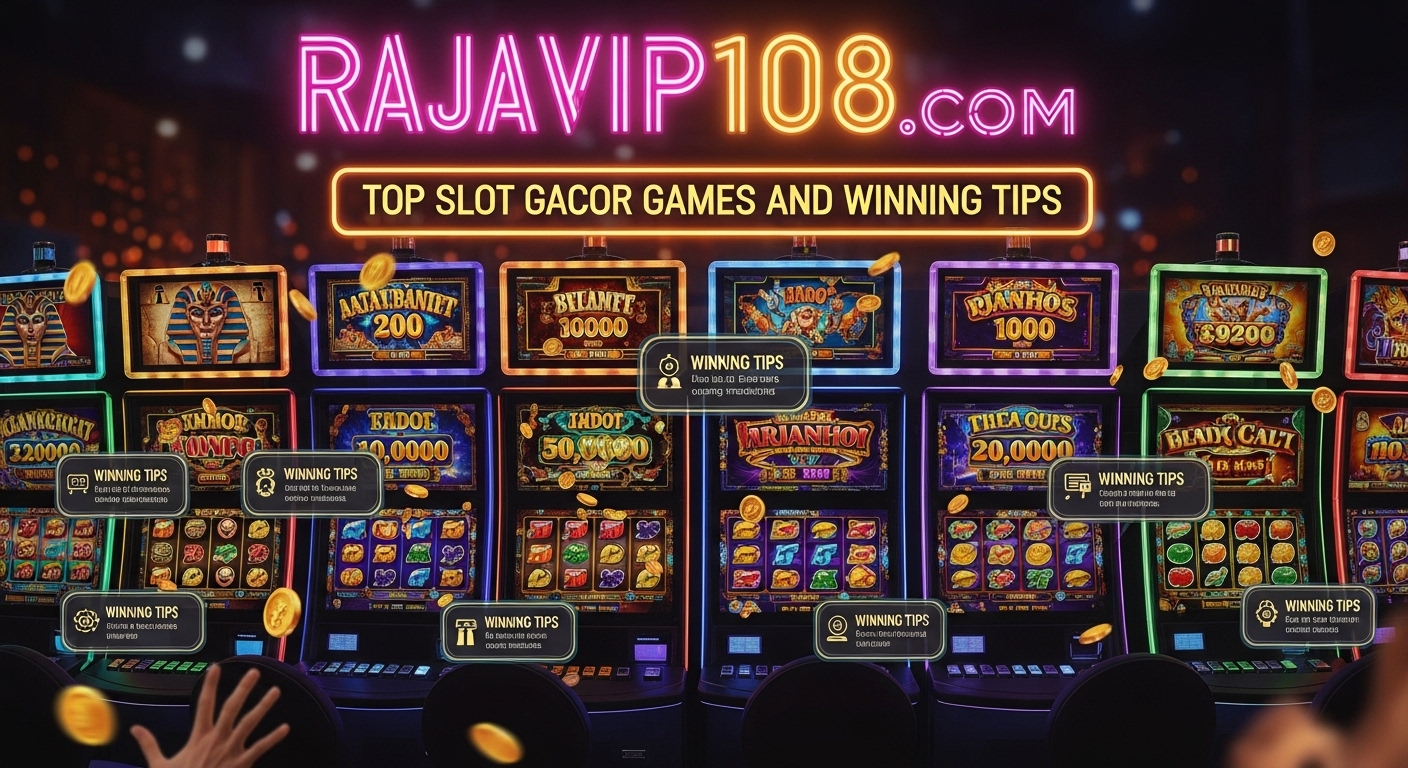
Rajavip 108.com is an online gaming platform that promotes slot games, bonuses, and “gacor” (frequently winning) slots, a term widely used in Southeast Asian online casino communities to describe games believed to pay out more often. Like many similar platforms, it markets itself as a hub for high-RTP slots, jackpots, and fast-win opportunities.
However, it’s important to understand how these platforms actually work and what “slot gacor” really means in practice.
What is Rajavip 108.com?
Rajavip 108.com is presented as an online slot gaming site offering:
- Slot machine games from multiple providers
- Promotional bonuses and deposit rewards
- Jackpot-based gameplay
- “Gacor” slot recommendations (popular or trending games)
In general, sites like this function as online gambling hubs, where outcomes are determined by random number generators (RNG), not patterns or guaranteed systems.
What Does “Slot Gacor” Mean?
The term “gacor” is slang and does NOT guarantee winnings.
It is used to describe:
- Slots that appear to pay out frequently
- Games currently trending among players
- Periods where users report more wins
However, in reality:
- Slot results are random
- No game is permanently “hot” or “easy win”
- Marketing often exaggerates winning frequency
How Sites Like Rajavip 108.com Promote Games
Platforms typically highlight:
- High RTP (Return to Player) percentages
- Bonus rounds and free spins
- Multipliers and jackpot features
- “Today’s gacor slots” lists
These are designed to attract players, but they do not change the randomness of outcomes.
Common Slot Game Types You May See
1. Classic Slots
Simple reels with fewer features and lower volatility.
2. Video Slots
Modern games with animations, bonus rounds, and multipliers.
3. Progressive Jackpot Slots
Jackpots increase over time until someone wins them.
4. High Volatility Slots
Rare wins but potentially larger payouts.
Winning Tips (Reality-Based, Not Guaranteed)
There are no guaranteed winning methods, but players often use these risk-management strategies:
1. Bankroll Control
- Set a fixed budget before playing
- Never chase losses
2. Choose RTP Wisely
- Higher RTP (96%+) is generally more favorable over time
3. Understand Volatility
- Low volatility = frequent small wins
- High volatility = rare but big wins
4. Use Bonus Offers Carefully
- Read wagering requirements
- Check withdrawal conditions
5. Time Management
- Avoid long, continuous sessions
- Take breaks to reduce impulsive decisions
Important Reality Check
Despite marketing claims, platforms like Rajavip 108.com:
- Do NOT guarantee profit
- Operate on RNG-based systems
- Rely heavily on promotional language like “gacor” or “easy win”
- Can include financial risk for users
Even industry discussions about similar sites note that “gacor” is more marketing than mathematical certainty.
Risks to Be Aware Of
- Financial loss due to chance-based outcomes
- Misleading promotional claims
- Lack of strong regulation in some jurisdictions
- Withdrawal delays or bonus restrictions on some platforms
Conclusion
Rajavip 108.com is part of a broader category of online slot platforms that promote “gacor” gaming experiences. While it offers various slot games and bonuses, the concept of guaranteed winning is misleading because slot results are fully random.
If approached, it should be with:
- Awareness of risk
- Strict budget control
- Realistic expectations
FAQ’s
1. Is Rajavip 108.com a guaranteed winning site?
No. Slot games are based on RNG and outcomes are random.
2. What does “slot gacor” mean?
It is a slang term meaning a slot that appears to pay out frequently, but it is not guaranteed.
3. Can you actually win consistently?
No consistent strategy guarantees wins in slot games.
4. Are bonuses useful?
Yes, but they often come with wagering requirements.
5. Is it safe to use such platforms?
It depends on regulation, but users should always be cautious due to financial risks.
-
 TECH1 month ago
Olxking123.com: How is Revolutionizing the Online Bargain Industry
-
 BLOG1 month ago
Onulife: Your Ultimate Guide to a Healthier & Balanced Lifestyle
-

 TECH1 month ago
Deshoptec.com: The Ultimate Marketplace for Cutting-Edge Tech
-
 BLOG1 month ago
Exploring Gooics: Features, Benefits, and How It Works Now
-

 HOME1 month ago
TopHillSport.com: A Growing Hub for Sports Enthusiasts
-

 BLOG4 weeks ago
Why Runlia is the Next Big Thing in Online Communities
-

 BLOG1 month ago
Cintia Coció: The Ultimate Guide to Her Modern Culinary World
-

 BLOG1 month ago
ChromiumFX: Advanced Analytics and AI for Smart Systems